How to prepare your file
Updated September 28, 2026
The short answer
- 3D printing: STL, OBJ or 3MF in millimetres.
- Laser cutting and vinyl: SVG, DXF, AI or PDF, with text turned into outlines.
- Engraving and printed stickers: a clear, high-resolution JPG, PNG or WEBP.
- Up to 50 MB per file in the Make Lab.
3D printing files
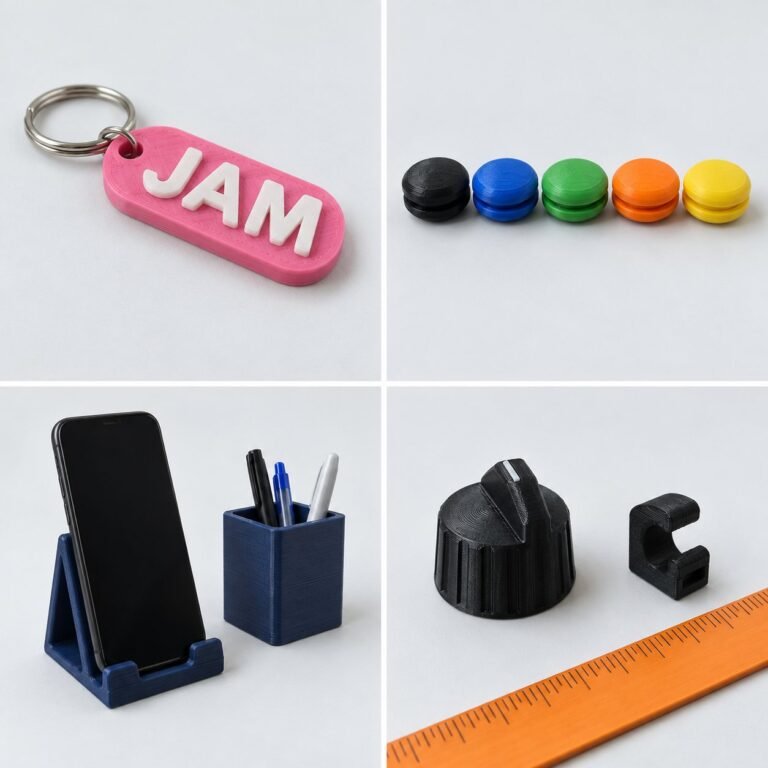
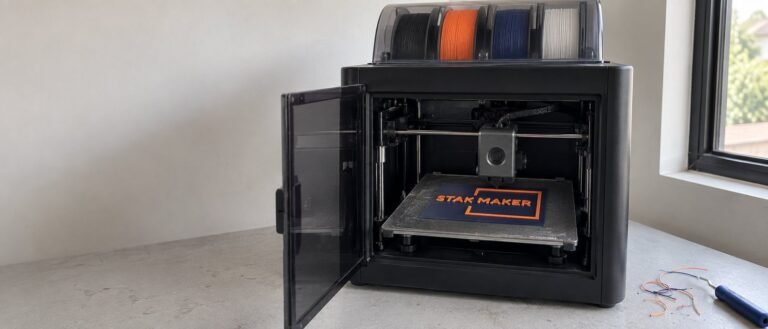
Export a closed, watertight model in millimeters.
- Instant estimate
- STL, OBJ, 3MF
- Priced by hand
- STEP, Fusion, Blender
- Largest piece
- 256 mm cube
- Upload limit
- 50 MB
The full checklist
- Export in millimeters.
- Make the model a closed, watertight solid.
- Keep walls at least 1.2 mm and pins at least 3 mm thick.
- Bigger than 256 × 256 × 256 mm? It prints in parts. The Lab tells you.
Drop it in the Make LabGet an estimate
Laser cutting and engraving files
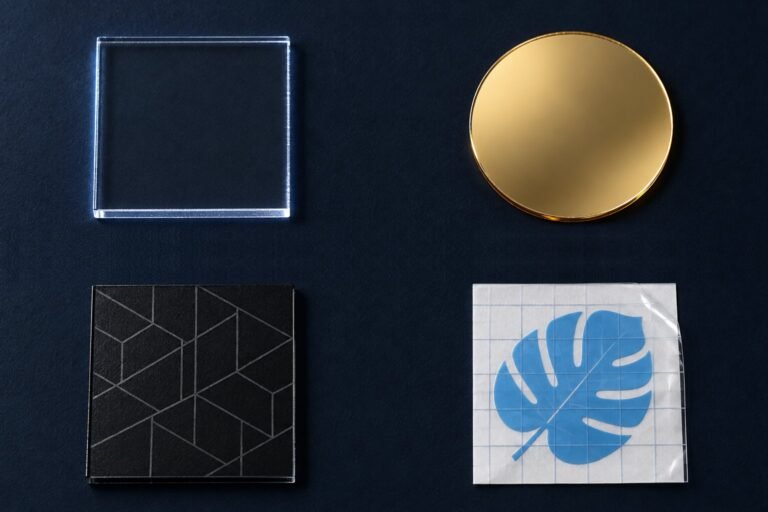
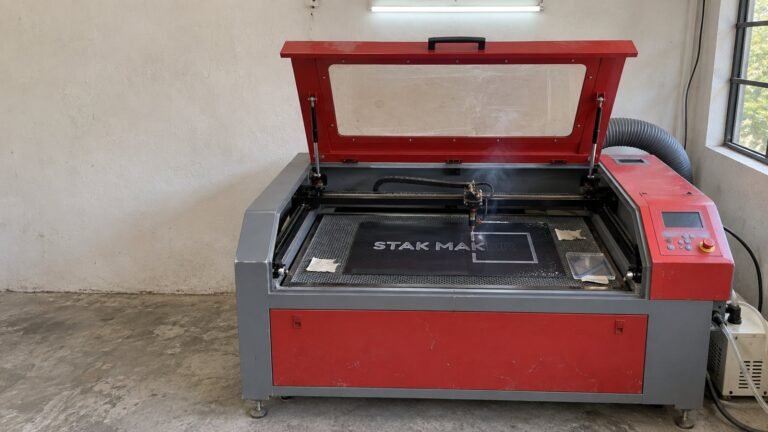
Send vectors at 1:1 size, with text turned into outlines.
- Cutting
- SVG, DXF, AI, PDF
- Engraving
- Also PNG, JPG
- Priced by hand
- EPS
- Scale
- 1:1, in mm
The full checklist
- Use vector files for cutting: SVG, DXF, AI or PDF.
- Turn text into outlines so fonts don't change.
- Draw at the actual size you want, in millimeters.
- Keep details at least 1 mm wide. Thin acrylic can snap.
- Put cut lines and engrave areas on separate layers or colors.
- For engraving, PNG or JPG works. High contrast engraves best.
Drop it in the Make LabGet an estimate
Vinyl decal and sticker files
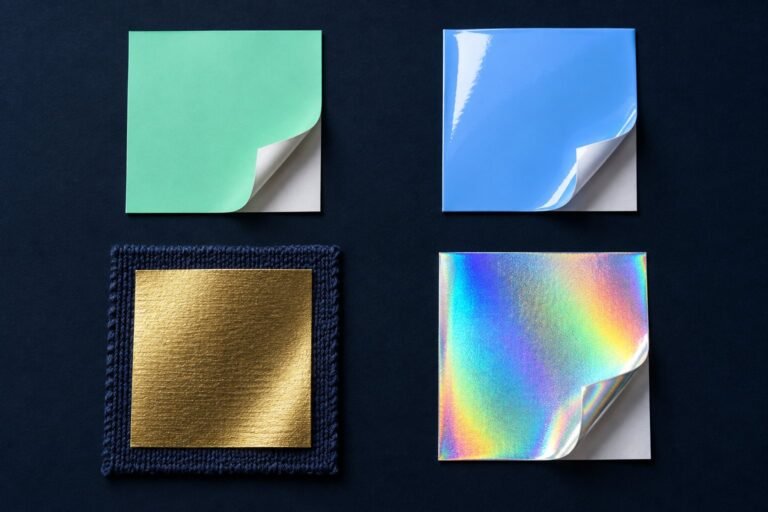
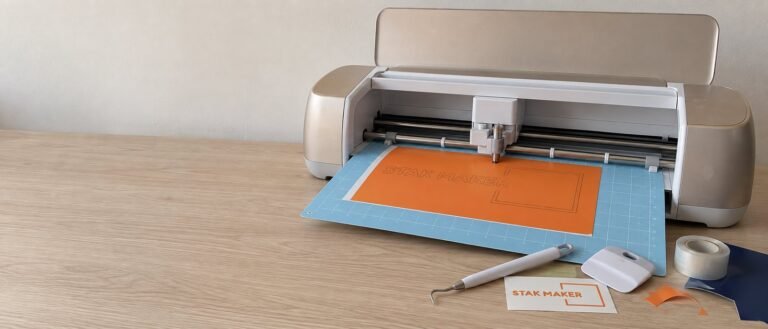
Cut vinyl needs a vector; printed stickers need a sharp PNG.
- Cut vinyl
- SVG, PDF
- Printed stickers
- PNG, transparent
- Thinnest line
- 2 mm
- Upload limit
- 50 MB
The full checklist
- Cut vinyl: a vector file, SVG, DXF, AI or PDF.
- Printed stickers: a high-resolution PNG with a transparent background.
- Lines under 2 mm are hard to weed; fine detail looks crisper as a printed sticker.
Drop it in the Make LabGet an estimate
File FAQ
How do I export a file from Canva?
- Open your design and click Share, then Download.
- Choose PDF Print, or SVG if you have Canva Pro.
- Upload the file to the Make Lab.
Stuck? Send us the Canva link.
Can you fix my file?
Small problems, yes, for free. The Lab checks size, thin walls and supports. If anything needs changing, we message you before production. Get an estimate.
Can I send a photo or sketch instead?
Yes. For engraving and printed stickers a clear photo is often enough; for 3D prints we’ll tell you what’s possible. Message us the photo or sketch.
What is the largest file I can upload?
50 MB per file. Several files at once are fine. Get an estimate.
Which files are priced by hand?
STEP, Fusion, Blender, EPS and HEIC. Upload them anyway and we reply with a confirmed price. Get an estimate.